

AI and Automation Made Simple
Smarter Systems
for the Way You Work

AI Tools
Business Automation

Digital Marketing

Online Security
Productivity, Automation,
and Digital Growth
I created Dadox to make digital tools, AI, automation, and online business systems easier to understand. I know how overwhelming technology can feel when every app promises to save time, boost productivity, and magically fix your business before lunch. Here, I focus on practical advice that actually helps.
Dadox is for small business owners, freelancers, and busy professionals who want to work smarter without getting buried in complicated tech. From productivity apps and website tips to automation ideas and AI tools, my goal is to break things down in a clear, useful way so you can build better systems, save time, and feel more in control of your digital work.


Practical Tech Advice for Busy Business Owners
- How to Organize Your Digital Workspace

My digital workspace can either make my day easier or quietly ruin it one tiny notification at a time. I have learned that organizing my files, apps, inbox, and browser tabs is not just about looking neat. It is about saving time, reducing stress, and making work feel less scattered. When everything has a place, I spend less time hunting for things and more time actually getting work done.
The first place I like to start is my desktop. A messy computer desktop usually means I am using it as a digital junk drawer, which is very impressive if the goal is chaos with icons. I try to keep only the essentials visible. Anything temporary gets moved into a folder, saved properly, or deleted. If I would not leave it sitting on my real desk forever, I probably should not leave it on my digital one either.
Next, I organize my files into simple folders. The trick is not to create a complicated system that requires a treasure map. I like broad categories such as Business, Clients, Marketing, Finances, Projects, and Personal. Inside those, I use subfolders only when they actually help. For example, a Marketing folder might include Blog Posts, Images, Social Media, and Ads. The goal is to make files easy to find without creating a folder maze designed by someone having a very bad afternoon.
Naming files clearly is another habit that saves me time. Instead of leaving documents named “final draft,” “final final,” or the deeply cursed “new document 7,” I use names that explain what the file is. A name like “2026-Website-Homepage-Copy” is much easier to search later. Dates, project names, and short descriptions make a big difference when I need to find something months from now.
My inbox is another area that needs regular attention. Email can become a swamp quickly, especially when every company I have ever glanced at thinks I need a newsletter. I like to unsubscribe from emails I never read, archive messages I no longer need in front of me, and create folders or labels for important categories. I do not need inbox zero every day, but I do need an inbox that does not look like it is plotting against me.
Browser tabs are another digital workspace problem. I used to keep dozens of tabs open because I was afraid I would forget something. That sounds productive until the browser becomes a museum of unfinished thoughts. Now I bookmark useful pages, group related tabs, and close anything I am not actively using. If something is important enough to return to, it belongs in a bookmark, task list, or note, not hidden behind thirty other tabs.
I also keep my most-used tools easy to access. My task manager, calendar, notes app, cloud storage, password manager, and communication tools should be simple to reach. I remove apps, shortcuts, and extensions I do not use anymore. Too many tools can create more confusion instead of less. A small set of useful tools beats a giant pile of apps pretending to be productivity.
Another helpful habit is creating a weekly cleanup routine. Once a week, I take a few minutes to clear downloads, rename loose files, delete duplicates, review tasks, and clean up my inbox. This keeps small messes from becoming giant digital landslides. It is much easier to maintain order than to rescue everything after months of neglect.
Cloud storage also needs structure. I try to keep important files backed up and synced, but I avoid dumping everything into one massive folder. I organize cloud storage the same way I organize my computer, so I know where things belong no matter what device I am using. That consistency matters.
Organizing a digital workspace is not about being perfect. It is about building a system that makes work easier. Clear folders, better file names, fewer tabs, cleaner email habits, useful tools, regular cleanup, and smart backups all help create a calmer workspace. When my digital space is organized, I feel more focused, less buried, and more confident about where everything lives each day. That alone makes the effort worth it for me every week. Technology should support the work, not become another messy project begging for attention.
- Online Security Basics Every Business Owner Should Know

Online security is one of those business topics that sounds boring until something goes wrong. Suddenly passwords, backups, and suspicious emails become the most exciting disaster in the building. I have learned that even a small business needs basic security habits, because hackers do not only go after giant companies. They go after easy targets, and businesses look easy.
The first basic rule I follow is using strong, unique passwords. Reusing the same password across multiple accounts is convenient, which is exactly why it is a terrible idea. If one account gets exposed, every other account using that same password becomes vulnerable. I like using a password manager because it can create and store long, random passwords without expecting my brain to become a filing cabinet.
The second thing every business owner should use is two-factor authentication. This adds another step when logging in, usually through a code, app, or security prompt. It may feel annoying, because protecting your livelihood requires one extra tap, but it is worth it. Two-factor authentication can stop someone from getting into an account even if they get the password.
Email security is another big one. Many online attacks begin with a fake email that looks real enough to trick someone who is busy, tired, or moving too fast. I try to slow down before clicking links, opening attachments, or entering login information from an email. If a message claims something urgent, like a payment problem or account shutdown, I go directly to the website instead of clicking.
I also think every business should keep regular backups. Files, customer information, invoices, photos, and website content can disappear because of a hack, computer failure, or human error. Backups should be automatic whenever possible, and they should not only live on the same device being backed up. A backup that disappears with the computer is not a backup.
Keeping software updated is another simple but important habit. Updates often fix security problems, not just little design issues no one asked for. I try to keep computers, phones, website plugins, apps, and business software current. Outdated tools can become open doors for attackers, especially when security flaws are already known.
I also pay attention to who has access to business accounts. Not every employee, contractor, or helper needs full control over everything. Giving people only the access they need helps reduce risk. When someone leaves the business or finishes a project, their access should be removed quickly. Old logins sitting around forever are unlocked windows with better branding.
Public Wi-Fi is another thing I treat carefully. I avoid logging into important business accounts on public networks unless I am using a secure hotspot or VPN. Coffee shop Wi-Fi is useful, but it is not exactly a fortress built by cybersecurity monks.
Online security does not have to be complicated. Strong passwords, two-factor authentication, careful email habits, regular backups, software updates, limited access, and safe network use can protect a business from common problems. I see security as part of running a professional business, not an optional extra. It may not be glamorous, but neither is explaining your inbox got hijacked.
- Beginner’s Guide to Using AI for Business
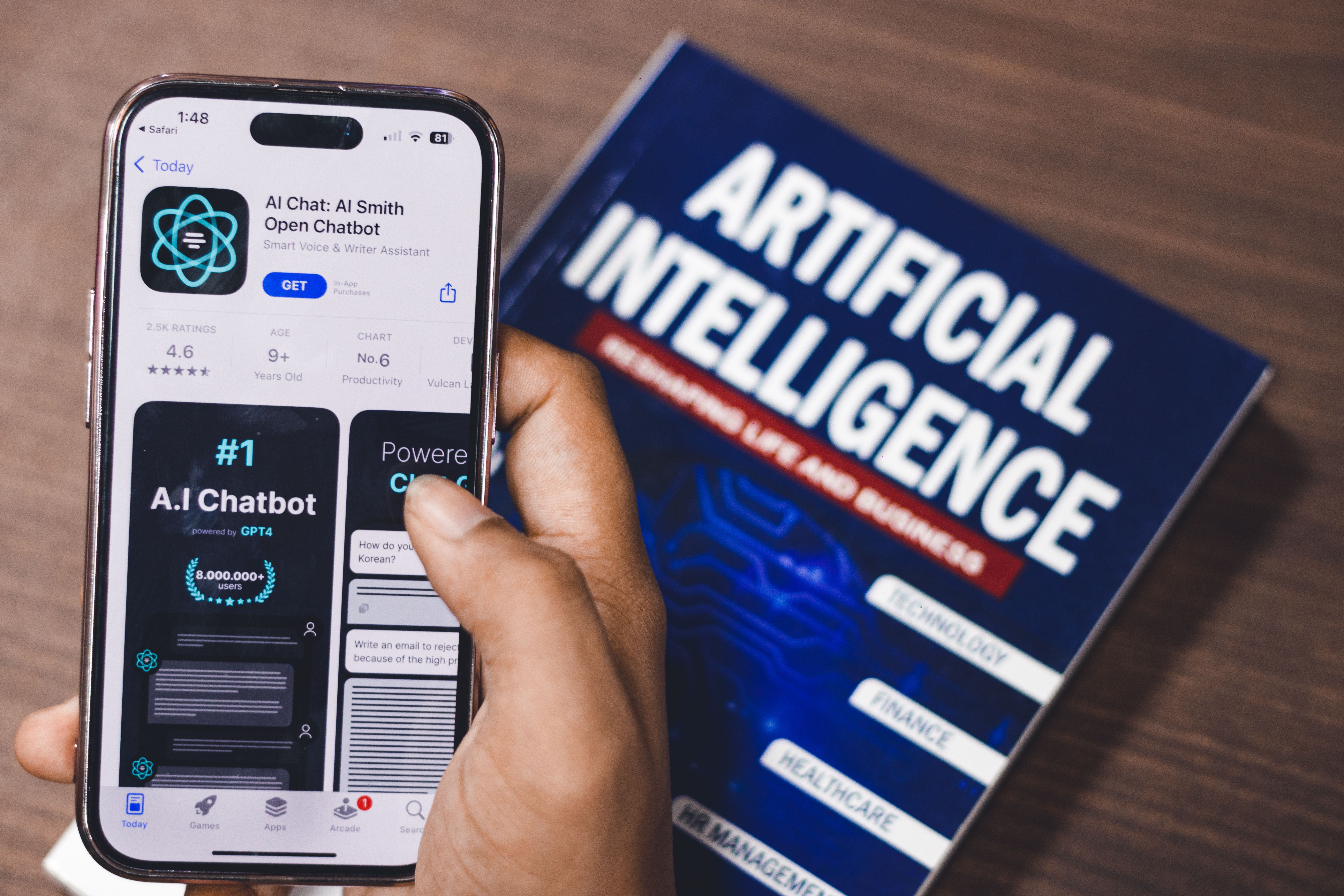
Artificial intelligence used to sound like something only giant tech companies could afford, but today it has become one of the most useful tools a business owner can keep nearby. I think of AI less as a replacement for people and more as a smart assistant that helps with repetitive work. It does not magically fix every problem, despite what the internet hype machine keeps screaming, but it can make daily business tasks easier every day.
The first thing I remind myself is that AI works best when I give it clear instructions. If I ask a vague question, I usually get a vague answer. If I explain the goal, audience, tone, and details, the result is much better. Instead of asking AI to “write a post,” I might ask it for a friendly caption for a local service business, aimed at homeowners, with a helpful tone. That detail gives the tool direction, because apparently even robots need babysitting.
One of the easiest ways to use AI in business is for content ideas. I can use it to brainstorm blog topics, email subject lines, social posts, video ideas, website headlines, and frequently asked questions. This is useful when I need to market my business but my brain has decided to produce nothing except static. AI helps me get unstuck and turn a blank page into a starting point.
AI is also helpful for writing first drafts. I would not recommend copying every word without reviewing it, because that is how businesses end up sounding like they were assembled by polite toasters. Instead, I use AI to create a rough version, then I edit it so it sounds natural, accurate, and specific to my business. This works well for blog posts, service descriptions, customer replies, newsletters, ads, and internal documents.
Another smart use is customer communication. AI can help me draft responses to common questions, create follow-up messages, write appointment reminders, and prepare polite replies to reviews. For a small business, this saves time. A clear response that used to take ten minutes can often be drafted in seconds, then adjusted before sending. The important part is to keep human judgment in place, especially with complaints, pricing, or sensitive issues.
AI can also help organize business operations. I can use it to create checklists, training notes, meeting agendas, and simple workflows. If I have a repeated process like onboarding a customer, preparing an estimate, or following up after a job, AI can help turn that process into a clear step-by-step system. That makes the business easier to run and easier to train others.
Another area where AI can be useful is research and planning. I can ask it to compare software options, summarize information, explain terms, or outline a marketing plan. I still need to verify important details, especially prices, laws, product features, or anything that changes often. AI is useful, but it is not a magic truth machine. It is more like a fast intern with suspicious confidence.
The biggest mistake I see beginners make is expecting AI to know everything about their business without being told. The better approach is to give it context. I tell it what type of business I run, who my customers are, what problem I am solving, and what result I want. The more useful information I provide, the better the output becomes.
Used wisely, AI can help save time, improve communication, create better systems, and make marketing easier. It still needs direction, editing, and common sense, but it can be a powerful support tool. For me, the best way to use AI is simple: let it handle the first draft, brainstorming, and repetitive work, while I stay responsible for the final decision.